Navigating the Contract Lifecycle with BIGFORMULA: A 10 Step Guide to Contract Management
For many companies, the contract process is still bogged down by inefficiencies, siloed communication, and lack of visibility. BIGFORMULA’s Contract Lifecycle Management (CLM) solution is built to transform that experience. But how exactly?
- • 18 min Read
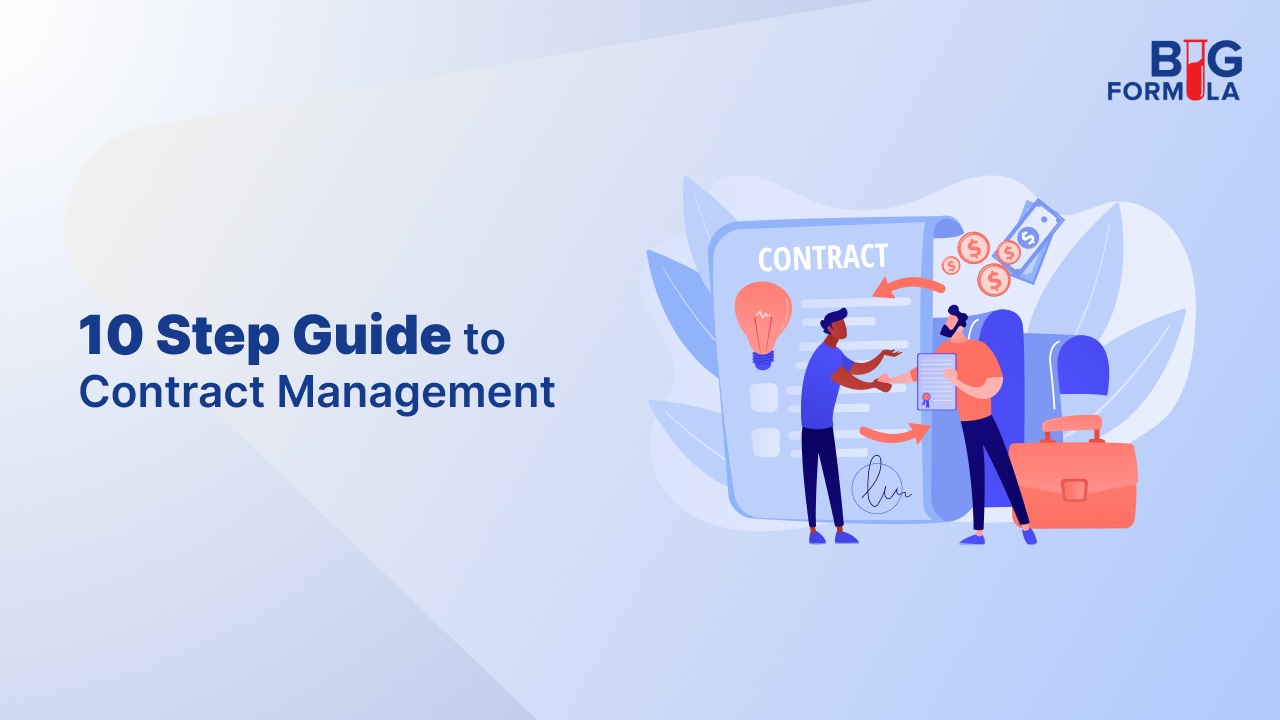
In today’s fast-paced business landscape, managing contracts effectively is not just a legal necessity – it is a competitive advantage. Contracts lie at the heart of every business relationship and transaction, governing how organisations interact, exchange value, and manage risk. Yet, for many companies, the contract process is still bogged down by inefficiencies, siloed communication, and lack of visibility.
BIGFORMULA’s Contract Lifecycle Management (CLM) solution is built to transform that experience. By simplifying, automating, and accelerating contract workflows – from request to renewal – BIGFORMULA helps teams close deals faster, reduce risk, and always stay audit-ready. Be it drafting an NDA, negotiating a vendor agreement, or managing complex multi-party deals, the platform gives users end-to-end control with powerful features like smart templates, collaborative editing, automated approvals, and real-time analytics.
From legal to sales, procurement to finance, every stakeholder benefits from a streamlined process and a lone source of truth for all contracts. The result? More transparency, better compliance, and faster business outcomes.
Here is a quick ‘how to’ on creating and executing a contract in just 10 simple steps:
Step 1: Log In to the CLM Portal
Begin by securely logging into the BIGFORMULA CLM portal using user-specific credentials. The login process ensures data security and user authentication, granting access based on pre-defined roles and permissions. Once logged in, users will land on the personalised dashboard – the central command centre for all contract operations.
From here, users can view active contracts, access templates, initiate new contract requests, and monitor approval pipelines. The dashboard also offers key insights into contract statuses, renewal alerts, pending actions, and compliance metrics. Each element is designed to help users navigate the contract lifecycle intuitively, empowering users to collaborate efficiently and make data-driven decisions from the very first step.
Step 2: Create a New Contract
Once on the dashboard, users can navigate to the ‘Create New’ button. Here, they will be prompted to fill out a standardised intake form customised and designed to capture all essential contract metadata from the start. Specify the contract type – such as NDA, service agreement, procurement contract, or partnership MOU – and input critical details like counterparty names, business units involved, key commercial terms, applicable jurisdictions, and any special provisions.
The system uses this information to automatically classify and tag the contract, which triggers the appropriate pre-configured workflow based on the organisation’s rules and authority matrix. This not only ensures that the right stakeholders are looped in but also reduces turnaround time significantly. Users also have the option to select primary vendors, upload their proposals, and confirm all necessary details. In case of fulfilled tenders and bids, users can also select and upload information regarding secondary or multiple vendors. All supporting documents can be easily added to the contract through real-time guided instructions. Users can then describe the services expected and deliverables promised in the contract. They have the option to detail out every aspect here – from goods and products to properties, material, and other items. They can then input details regarding fees and payments and then get to work on the terms and conditions.
Step 3: Customise Terms & Conditions
Within BIGFORMULA’s comprehensive drafting environment, users have the flexibility to define and tailor contract terms and conditions to suit the specific needs of each agreement. Start by selecting general terms and conditions pre-approved by the legal team or opt to request modifications to individual clauses based on specific requirements.
Through the intuitive clause interface, users can easily identify the clause they want to edit, provide a detailed explanation of the proposed change, and submit the request directly through the system. The CLM platform then routes the request for internal legal review and approval, capturing each decision in a full audit trail.
For frequently negotiated positions, alternative clause versions can be stored and reused to accelerate the customisation process. All clause modifications, approvals, and annotations are centrally recorded, ensuring consistency and accountability.
Step 4: Collaborate
Once the contract is fully customised, users can review a summarised snapshot and detailed breakdown of the entire draft – complete with risk flags, exceptions, and approval history – before proceeding to the next stage. This level of control ensures that every contract reflects the organisation’s strategic goals, compliance policies, and negotiated outcomes.
Users can invite internal stakeholders (legal, finance, compliance, etc.) to review and collaborate on the draft. Users can co-author, comment, and track changes in real-time, all within a secure digital workspace. Version control ensures that edits are always traceable, and no input gets lost.
Step 5: Review & Approval Routing
Once the draft is ready, it is automatically routed through a pre-configured approval workflow that aligns with the organisation’s internal policies, considering factors such as contract type, value thresholds, risk level, and involved departments. This ensures that the right individuals – whether from legal, finance, procurement, or senior management – are engaged at the appropriate stage of the review process.
Approvers are instantly notified via automated alerts, enabling them to access the draft directly within the system. From there, they can approve the contract, reject it with reasons, or request specific edits – all without needing to leave the platform. This centralised process eliminates the inefficiencies of back-and-forth emails and ensures that all feedback is documented and easy to track.
To maintain momentum and prevent bottlenecks, escalation protocols are in place. If an approver does not take action within a designated time limit, the system will automatically escalate the task to the next appropriate authority. This helps ensure that contracts are reviewed and signed off promptly, keeping business processes on track and reducing the risk of missed deadlines or delayed deal closures.
Step 6: External Party Negotiation
Once internal reviews are complete, users can securely share the contract with external counterparties using encrypted, access-controlled links. This eliminates the need for email attachments and ensures sensitive documents are shared safely. Counterparties can view the contract, add comments, redline specific clauses, and even upload counterproposals – all within the same collaborative platform.
The platform provides a centralised workspace where all external inputs are captured, maintaining a unified repository. Every comment, edit, and file exchange is automatically logged, creating a comprehensive audit trail of the negotiation process. The system also tracks changes made by both parties, making it easy to compare versions, reconcile differences, and reach agreement efficiently. This not only improves transparency but also significantly reduces the risk of miscommunication or lost information during contract negotiations.
Step 7: Final Review & Internal Sign-Off
After negotiations are finalised and all counterparty inputs have been addressed, the contract enters a final internal review phase. This step ensures that the version moving forward for execution is fully aligned with the organisation’s legal and compliance standards. The system automatically highlights any clauses that have been added, removed, or altered during negotiations – especially those that deviate from pre-approved templates, fallback positions, or established policy guidelines.
These flagged modifications are clearly surfaced for the legal and compliance teams, allowing them to quickly assess any potential risks or liabilities introduced during the negotiation process. This targeted review saves time and ensures that critical changes are not overlooked. Legal teams can then provide focused feedback or final approval with confidence, knowing that the contract has been thoroughly vetted for alignment with internal policies and regulatory requirements.
Step 8: e-Signing & Execution
Contracts can be signed electronically through seamless integration with trusted e-signature tools such as MySyn, or other supported providers. This allows authorised parties to sign documents from anywhere, at any time, using any smart device – eliminating the delays and inefficiencies of manual, paper-based processes.
Each electronic signature is securely authenticated, digitally bound to the document, time-stamped, and (if opted) even blockchain-backed to create a legally valid and tamper-proof record. These signatures comply with international e-signature standards and regulations, ensuring enforceability and auditability in most jurisdictions. Once all required parties have signed, the system automatically recognises the contract as fully executed.
Step 9: Storage, Indexing & Access Control
Once the contract is fully executed, it is automatically stored in a secure, centralised repository designed for long-term contract lifecycle management. The repository is searchable and indexed, enabling users to quickly locate specific contracts or clauses without sifting through folders manually. Advanced search functionality allows filtering by contract status (e.g. active, expired, pending renewal), contract type, involved parties, dates, or even specific keywords and clause references.
To maintain data security and integrity, role-based access controls are enforced throughout the system. This ensures that only authorised personnel – based on their roles and responsibilities – can view, edit, or manage particular contracts or contract categories. Sensitive contracts may be restricted to legal, finance, or executive users, while broader access can be granted for general operational agreements as needed. Each contract is also systematically tagged and categorised to support easy retrieval, reporting, and auditing.
Step 10: Post-Execution Tracking & Alerts
To support proactive contract management, users can configure automated alerts for key contract events such as renewal dates, payment milestones, deliverables, and compliance obligations. These reminders help ensure that critical deadlines are never missed, reducing the risk of unintended renewals, penalties, or non-compliance. Alerts can be customised by contract type, stakeholder, or period, and can be delivered via e-mail, in-app notifications, or integrated calendar syncs – making it easy for teams to stay informed and take timely action.
The Contract Lifecycle Management (CLM) dashboard offers a real-time, centralised view of all contract activity across the organisation. It highlights active contracts, upcoming deadlines, pending approvals, and risk indicators such as expiring clauses, missing signatures, or deviations from standard terms. With intuitive visual cues and filters, users can prioritise high-impact contracts, monitor performance, and identify potential bottlenecks before they escalate. Whether for compliance reviews, performance tracking, or renewal planning, stakeholders can access the information they need quickly and confidently, knowing the repository serves as a single source of truth for all executed agreements.
Conclusion
BIGFORMULA’s tailor-made CLM solution transforms contract management from a reactive process into a strategic function – empowering legal, finance, procurement, and operational teams to make informed decisions, reduce risk exposure, and maximise contract value across the board. From initiation to execution, each of the 10 steps mentioned above breakdown complex contract management processes into easily negotiable bite-sized interfaces that make handling contracts more structured, efficient, and secure. Designed to reduce complexity, support compliance, and enable collaboration across teams, the solution automates routine tasks, while ensuring that nothing falls through the cracks. Ultimately, this approach helps contracts serve their intended purpose more effectively – as clear, reliable agreements that support relationships, responsibilities, and results. It is not just about moving faster – it is about working smarter, staying aligned with policy, and reducing risk throughout the process.
Wondering how you can get the best out of your contract management software? Discuss your needs and goals with BIGFORMULA.
Reach out to us and schedule a Free Tech Consultation